Better first proofs. Fewer review rounds. Introducing PreProof™
Most designers are already familiar with Preflight — checking a document for technical issues before it’s sent to print or production. PreProof™ powered by PageProof Intelligence®, applies the same idea to the review process.
Instead of checking whether a file is technically ready for output, PreProof analyzes your work while you’re still designing and provides PI insights — AI-suggested changes that can help improve your document before it’s shared for review.
PreProof™ helps you resolve issues earlier, and reduce unnecessary proof versions and review rounds, save time, and deliver a higher-quality first proof.
Why quality checks should happen before review
Every issue found during review creates additional work. A spelling mistake or brand inconsistency might seem minor, but it still results in a comment, a revision, another proof version, and another round of review. Multiply that across every project, and small issues can become a drain on time and productivity.
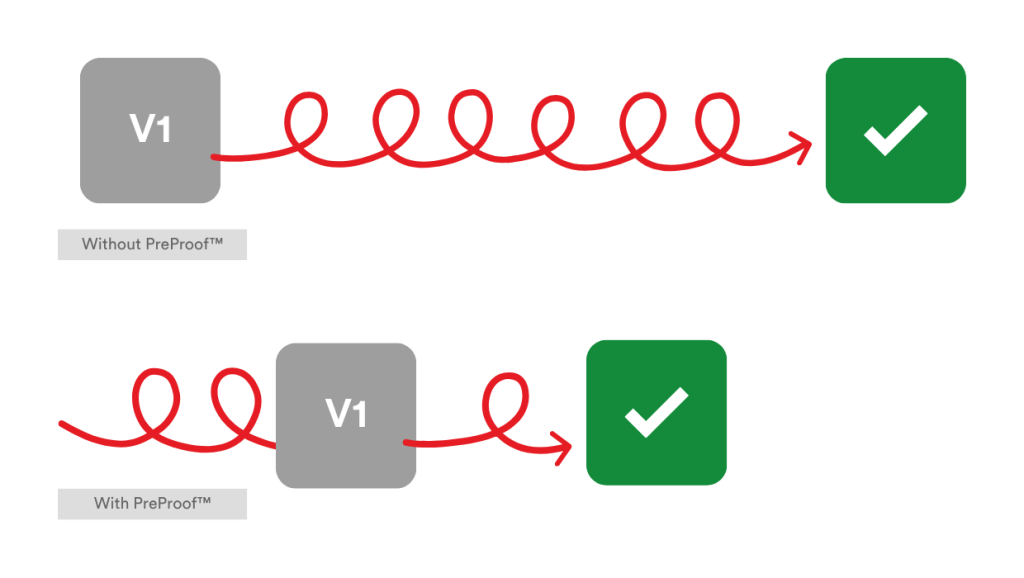
PreProof™ helps designers catch preventable issues before a proof is even created and sent out for review — saving significant time.
By resolving common issues before creating a proof, teams can:
- Reduce unnecessary proof versions
- Speed up review and approval cycles
- Give reviewers more time to focus on creative and strategic feedback
- Improve the quality of every first proof
- Deliver work with greater confidence.
What can PreProof™ check?
PreProof™ analyzes your work while you’re still designing, checking against:
- Spelling and grammar
- Brand guidelines
- Packaging specifications
- Accessibility requirements
- Content and design standards
- Legal or regulatory requirements
- Other custom requirements defined by your organization through a PI Agent.
The exact checks performed depend on whether you’re using standard PageProof Intelligence® insights or a PI Agent configured by your team.
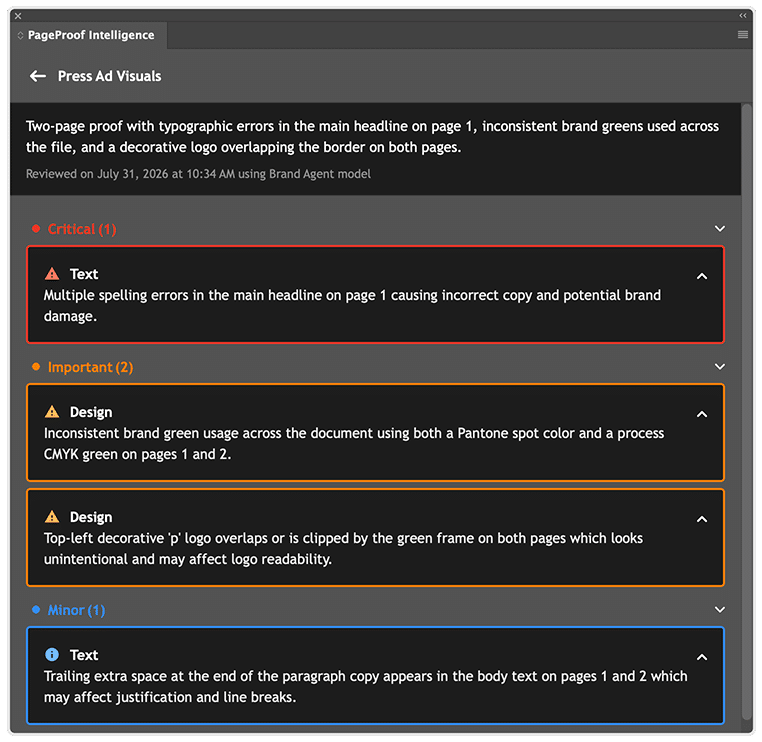
The insights picked up by PreProof™ are grouped into 3 categories: Critical, Important, and Minor.
How to initiate PreProof™ on your design file
PreProof™ is currently available in the PageProof plugin for Adobe InDesign, with support for additional design plugins coming soon. To use it, your team needs PageProof Intelligence® enabled, you’ll need to be signed in to the PageProof plugin, and you’ll need available credits.
Step-by-step instructions on how to use PreProof™ can be found here.
PreProof™ insights vs. PI insights on the proofing screen
For those interested in how PreProof™ differs from PI insights on the proofing screen:
PreProof™ and PI insights serve different people at different stages of the same workflow — knowing which one you’re looking at changes what you should do with it.
PreProof™ insights appear before a proof exists, while the designer is still working in InDesign. They’re suggestions for the creator — fix the font, adjust the spacing, and correct the copy — before anything gets shared.
PI insights appear only after a proof is created and sent for review. They’re for reviewers — surfacing markup-ready comments on the proof itself, turning a missed detail into a comment ready to leave.
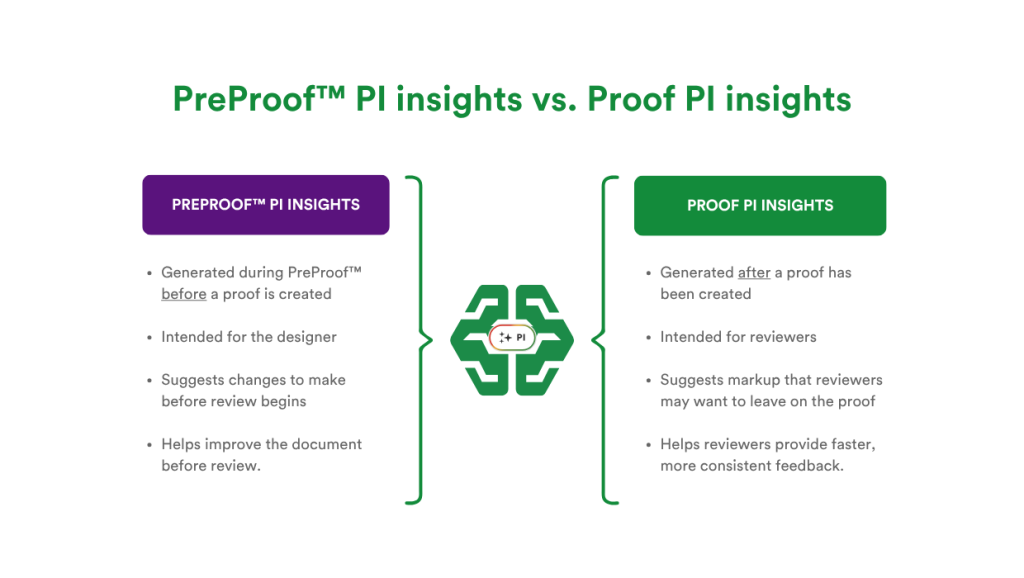
The differences between PreProof™ insights and Proof PI insights.
Better first proofs. Faster approvals.
The best reviews start with the most accurate proof possible. Whether you’re working on marketing collateral, packaging, presentations, or other creative content, PreProof™ helps ensure every first proof is as accurate and review-ready as possible, helping reduce unnecessary review rounds and helping teams deliver work faster, with more confidence.
Like what you see?
Learn how leading teams speed up approvals, simplify creative reviews, and collaborate securely at scale.