
At PageProof, we’re always innovating to ensure your creative review and approval process is seamless.
Our latest updates introduce even more ways to refine your workflow — from brand-new plugins for Final Cut Pro and Figma to accessibility enhancements on the proofing screen and more.
Read on to discover what’s new!
Save your spot with a bookmark
Now you can bookmark your spot while reviewing lengthy documents, videos, or audio files. The next time you open the proof, you can jump directly to the exact page or precise time you marked, saving you valuable time and effort. Learn more.
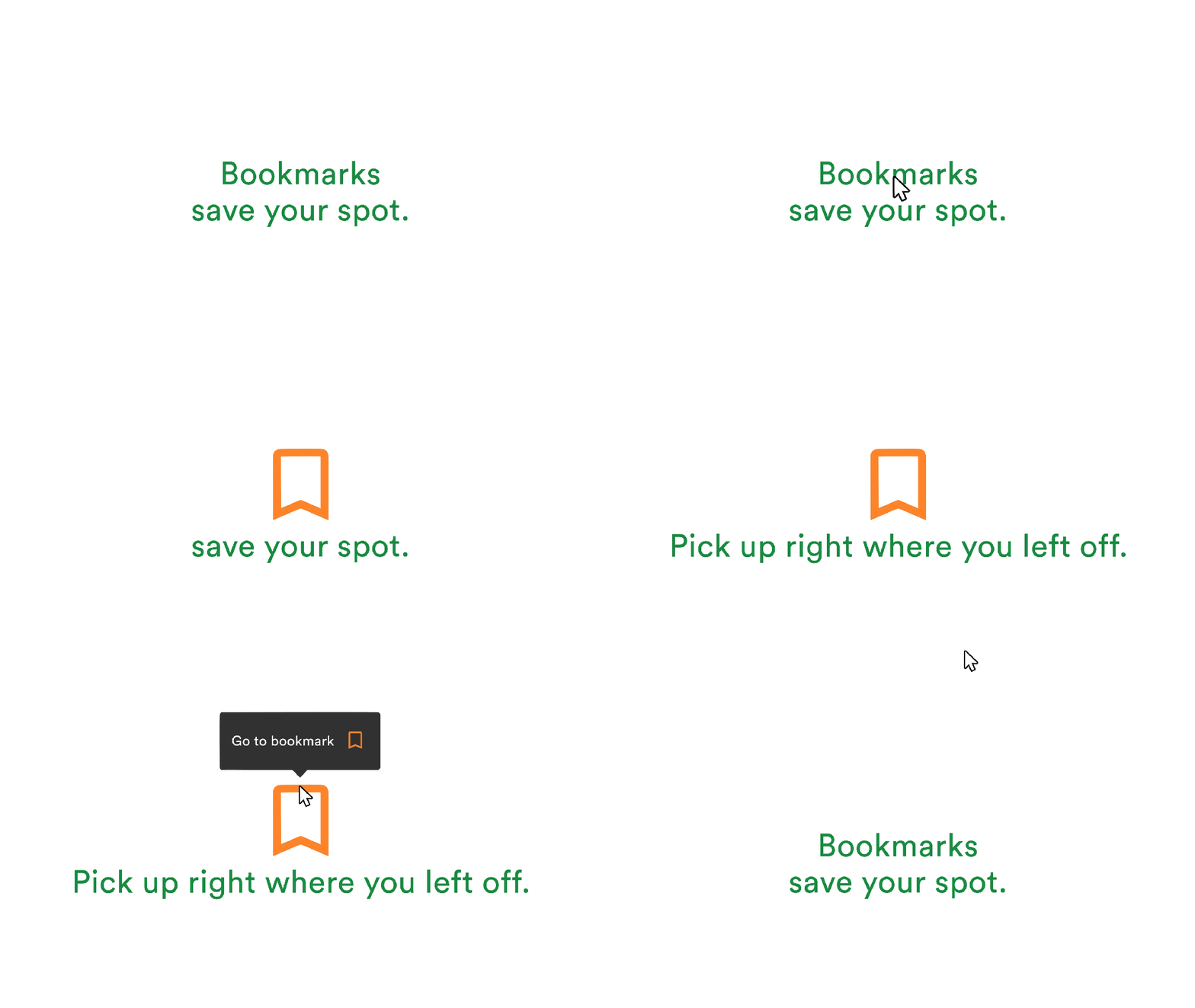
Save your spot with a bookmark and pick up right where you left off in your review process.
Mandatory reference field ensures crucial details included
Team administrators can now make the reference text field mandatory when setting up proofs. This ensures crucial details like customer codes or job numbers are always included, providing consistency and clarity across projects. Learn more.
Streamline video feedback with PageProof for Final Cut Pro
The PageProof plugin for Apple Final Cut Pro simplifies video feedback by allowing editors to create proofs directly within Final Cut Pro and send them into an automated PageProof workflow with reminders and checklists.
Comments appear directly on the video timeline, where editors can review and mark them as done with ease. Once edits are complete, uploading a new version takes just one click — streamlining the entire video production process. Learn more.
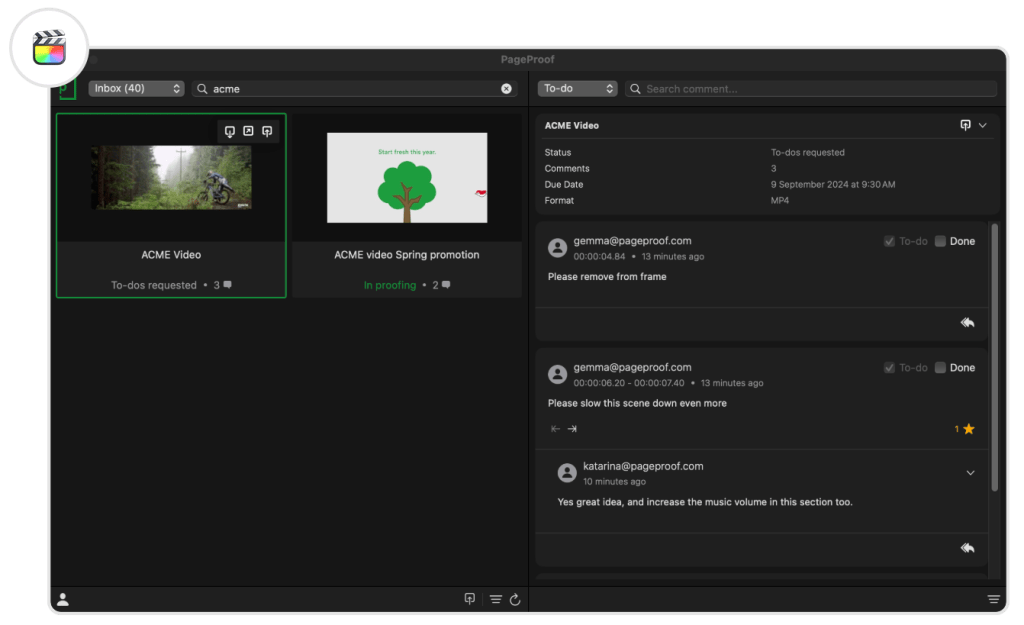
The PageProof plugin interface within Final Cut Pro.
Smart Check: Content Credentials for audio files
Smart Check’s Content Credentials have expanded to include audio files. Reviewers can access critical audio details, such as duration, bitrate, sample rate, channels, and content credentials, ensuring creative and technical requirements are met. Learn more.
Enhanced audit: Greater oversight for teams
PageProof now offers enhanced audit features for greater oversight, including logging to-dos and approval messages, as well as tracking share link invitations for enterprise customers. These updates provide proof owners with a detailed record of activities, strengthening accountability throughout the review process. Learn more.
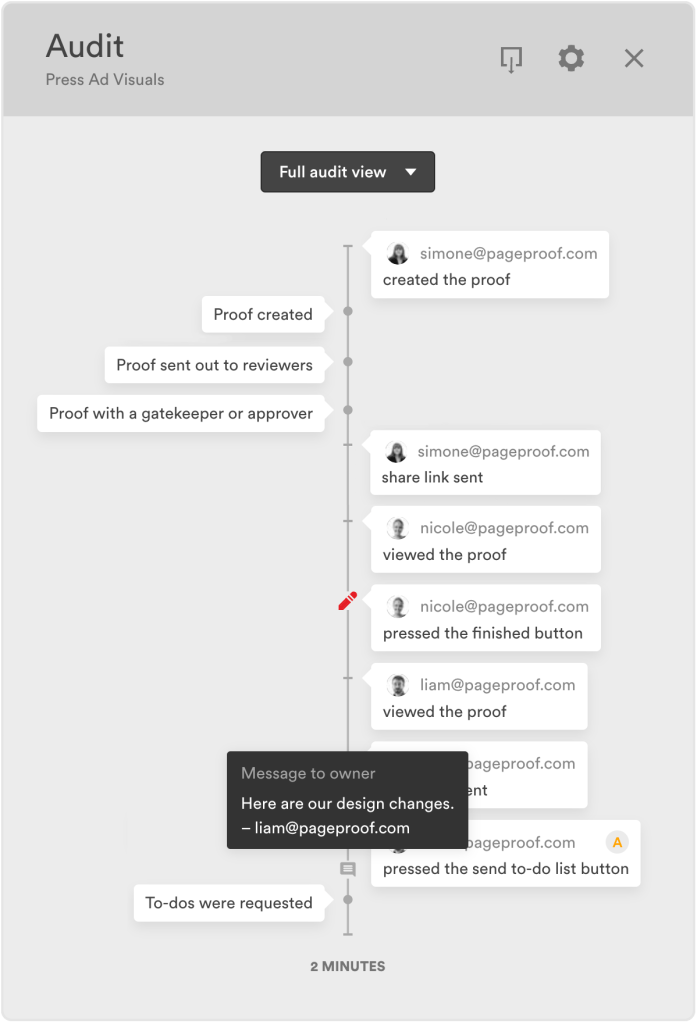
New events within PageProof’s audit view.
Deeper insights: New decisions report
Enterprise team administrators now have access to a powerful new decisions report, offering a detailed overview of reviewer activity. By searching proofs within a specific date range, admins can uncover key insights, including timelines that track when reviewers were invited, when decisions were submitted, and response times.
The report also provides comprehensive proof details such as name, reference, version number, key dates, and approval status. With these insights, admins can monitor progress, identify bottlenecks, and ensure deadlines are met while optimizing team performance and accountability. Learn more.
GIF proofing your way: Choose video or HTML format
Team administrators can now choose how GIF files are handled when uploaded to PageProof. Select between converting GIFs into a video proof or an HTML web proof format to meet your team’s or client’s preferences. Learn more.
Personalize your comments: Default to public or private
We’re excited to introduce a new feature for team members in teams with the private comments setting enabled. You can now customize your comment preference directly from your user profile. Choose whether your comments on proofs default to public (the standard setting), or private.
This feature puts you in control of your proofing communication – whether you prefer open collaboration or need to keep feedback discreet. By setting your default preference, you’ll save time and maintain consistency in your review process, making every proof smoother and more efficient. Learn more.
Barcode measurements
The barcode scanner now displays barcode or QR code dimensions, ensuring they meet size specifications for optimal scanning and printing quality. Easily copy barcode details and create comments with a single click. Learn more.
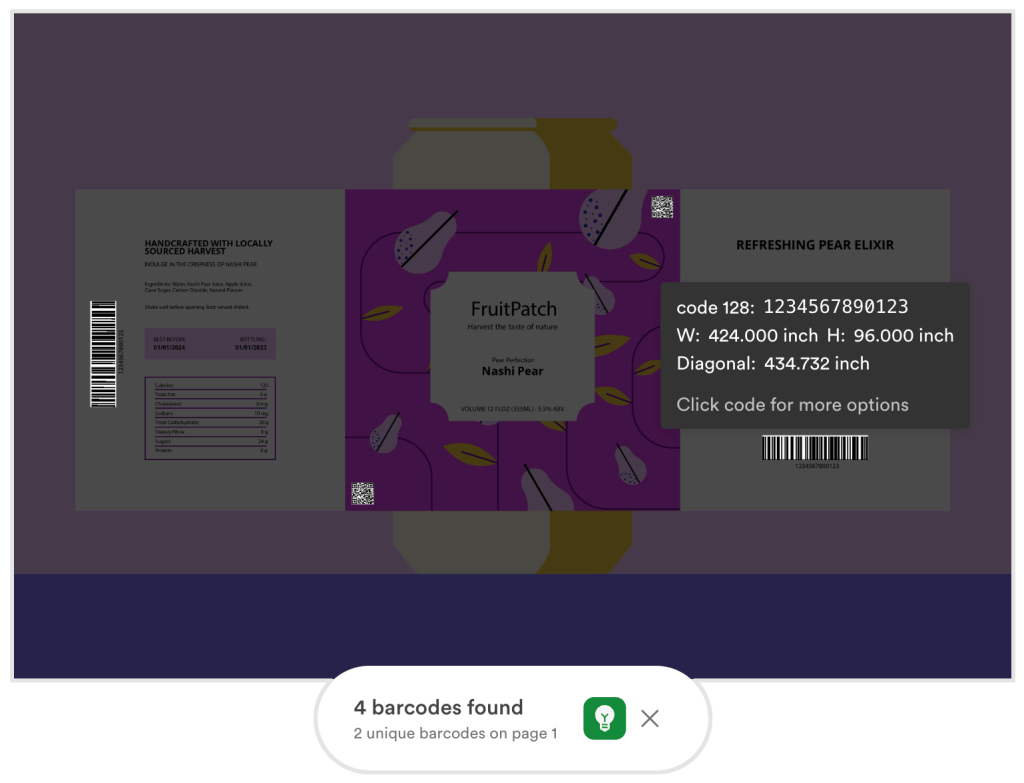
PageProof’s barcode scanner now displays dimension information.
Счастливого Рождества! Russian language support now available
PageProof is now available in Russian, furthering our commitment to global collaboration. Set your language preference from the main menu and enjoy proofing in your preferred language. Learn more.
PageProof plugin for Figma now available
The newly launched PageProof plugin for Figma allows users to create proofs and versions directly within Figma. Choose between interactive Figma proofs, where reviewers can click through links to experience designs, or static proofs for fixed visuals. With automated reminders, workflows, and checklists, teams can ensure projects stay on track effortlessly. Learn more.
Create a new proof or upload a new version directly from the PageProof plugin for Figma.
A big step forward with accessibility
As part of our journey to make PageProof inclusive for everyone, we’ve taken significant steps forward in accessibility for our proofing screen. Stay tuned as we continue to expand these efforts to empower all users to contribute and collaborate effortlessly. Learn more.
Watch the latest PageProof Academy on-demand
Our latest PageProof Academy takes you through the brand-new PageProof plugin for Figma. Perfect for marketing and creative teams creating designs of websites, mobile apps, and other digital products and experiences.
Click here to access the webinar and explore our extensive PageProof Academy library.
Our fresh new feature videos are posted on YouTube every month. Ensure you’re up-to-date with all the latest enhancements by subscribing to our YouTube channel.
If you’d like a walk-through of these new features and to see how PageProof can help your organization streamline creative approvals, book a demo below.
