
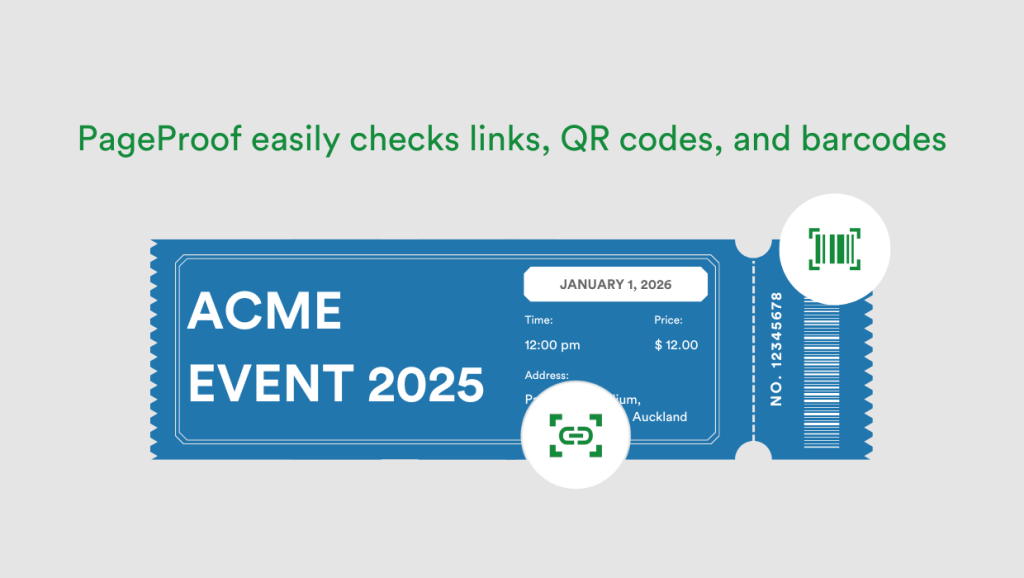
Creative and marketing teams often work with assets that include a range of interactive elements. Many files now contain multiple links, QR codes, barcodes, and other embedded actions that need to be checked before approval.
A brochure that once contained a single website address might now include various tracking links, several button-based interactions, and two or three QR codes.
Packaging proofs can include multiple barcodes that all need to scan correctly and meet minimum size requirements, while event collateral often features QR codes that direct people to schedules, venue details, and registration pages.
Regardless of the type of asset being proofed, if it contains links, QR codes, or barcodes, all of these elements need checking, and that’s where reviews often slow down. Reviewers end up clicking link after link, scanning QR codes on their phone, and spending far too much time manually verifying each element.
This repetitive process makes it easy for reviewers to lose track of what has been checked, increasing the chance that something will be missed – especially in longer documents where these elements appear throughout.
Why link and code errors slip through during a manual proofing process
The number of links and codes per file has grown exponentially. What would once have been a single website URL is now a mix of landing pages, tracking links, redirects, shortened URLs, and other interactive elements spread across multiple pages – and all of these, are still often checked manually.
With every additional link, the chance of something being outdated, broken, mistyped, or inconsistent increases.
QR codes have also become far more common, appearing across packaging, posters, brochures, signage, educational materials, and government communications. Their use continues to rise: in 2022, around 89 million smartphone users in the United States scanned QR codes for mobile payments or accessing web links and promotional offers – a 26% increase from 2020. That number is projected to pass 100 million users this year, in 2025, according to Statista.
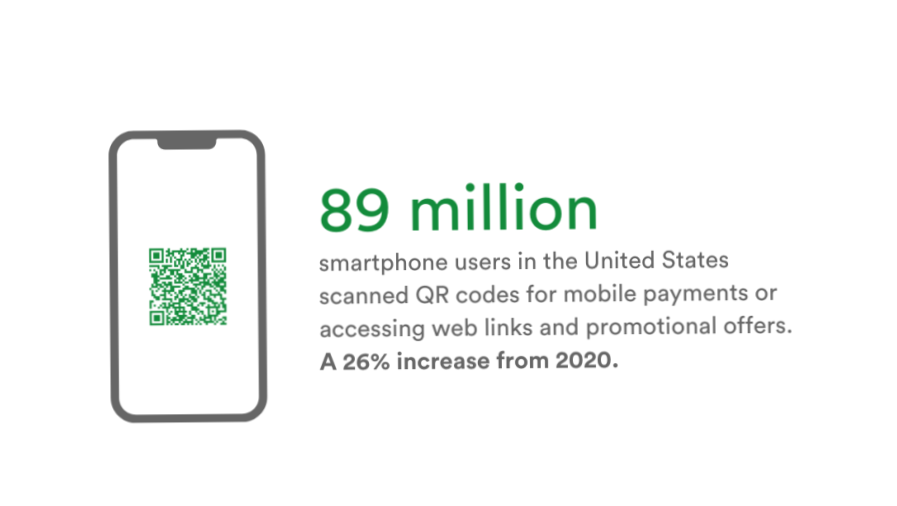
QR code usage continues to rise, increasing the number of elements reviewers must manually check.
QR codes are convenient, but reviewers still have to confirm that every QR code resolves to the correct destination, that the link behind it is current, and that the version printed matches the latest campaign.
Barcodes introduce similar challenges. In packaging and product-related files, a single document might include multiple barcodes, each of which needs to be correct. A code can look visually fine on the page but still contain the wrong value, an outdated reference, or not meet minimum size requirements.
The volume and variety of these elements make manual checking difficult. Reviewers end up clicking through dozens of URLs, scanning QR codes with their phone one by one, or copying and pasting tracking links into a browser to confirm where they go.
It’s slow, repetitive work, and easy to lose track of what has been checked, especially when deadlines are tight or the document runs across many pages.
Incorrect links and codes cause many issues
When link, QR code, or barcode issues aren’t caught during review, they don’t stay small. A single incorrect URL can send people to the wrong landing page, an outdated policy page, or a dead link.
A QR code that resolves incorrectly can derail an event experience, confuse customers in-store, or break a campaign that relies on accurate tracking.
A barcode with the wrong value can disrupt logistics, cause products to be rejected at distribution centers, or create compliance issues in regulated industries.
Even when the mistake seems minor, the consequences are not. Broken links reduce conversion, misdirect users, and damage trust. Incorrect QR codes often require reprinting entire batches of collateral or packaging, which is costly and can delay launches.
Barcodes with errors can halt production, trigger manual relabeling, or result in stock being pulled from shelves. These problems escalate quickly, especially when a file has already been printed, shipped, or distributed digitally.
Without tools that clearly expose every link, QR code, and barcode on each page, reviewers are left relying on manual methods that simply don’t scale. Clicking through dozens of URLs, scanning codes one by one, and trying to keep track of them all introduces too much room for human error.
How PageProof helps teams catch link and code issues before approval
PageProof helps teams catch link and code issues before they reach final approval.
Instead of asking reviewers to manually click through every URL, scan each QR code on their phone, or copy tracking links into a browser, PageProof provides tools that surface these elements clearly so they’re easy to review.
The aim is straightforward: reviewers should be able to see every link, action, and code on a page without having to search for them.
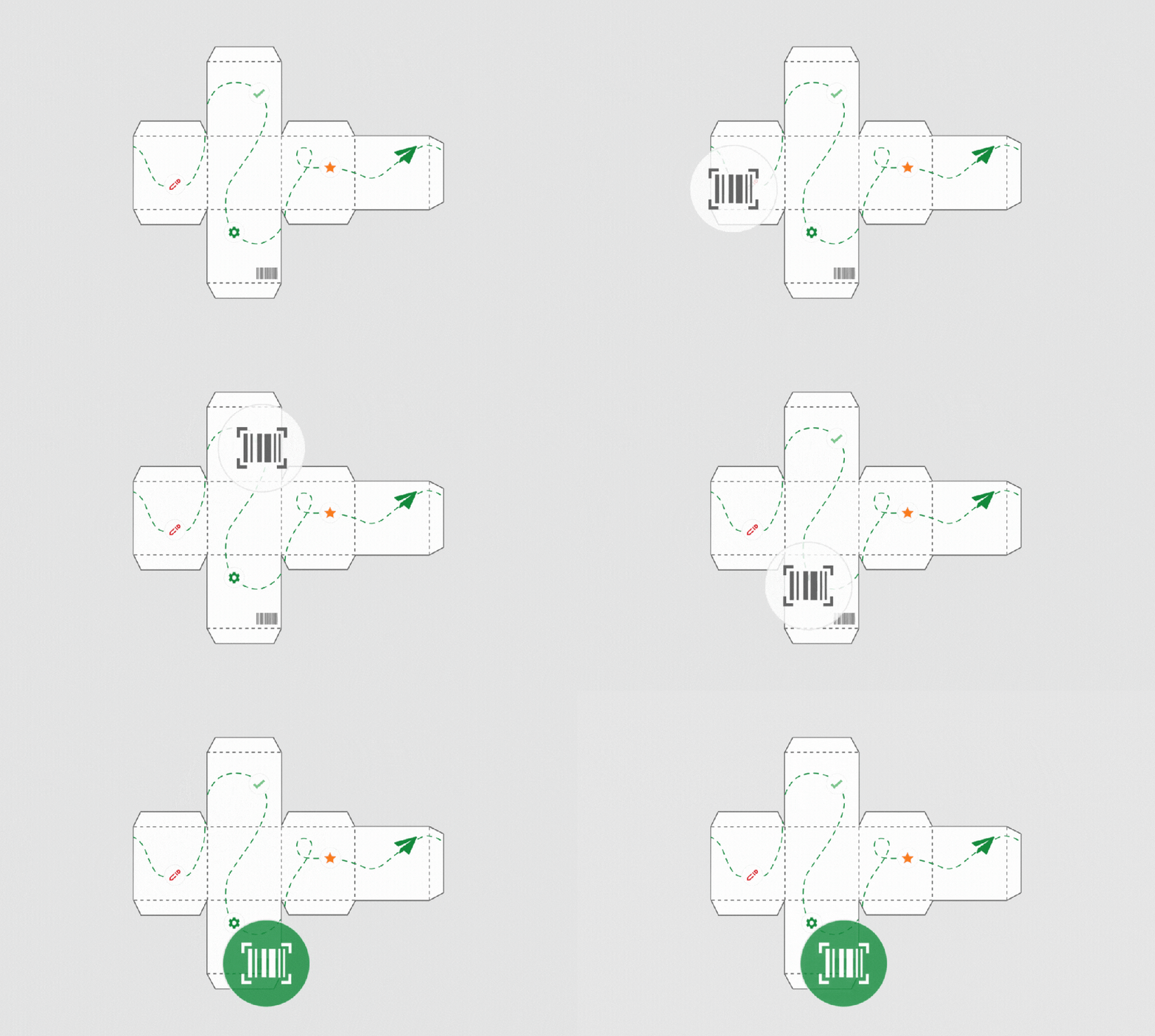
PageProof’s barcode scanner automatically detects barcodes and QR codes in a proof.
Checking every link with PageProof’s link scanner
One powerful tool at the heart of this is PageProof’s page-by-page link scanner. It matches the way reviewers naturally work – checking a page, giving feedback, then moving on. By pressing L, when inside PageProof, reviewers can instantly scan the page they’re viewing and see a complete list of every link detected.
There’s no scrolling around to locate clickable text, no guessing whether an email link is present, and no opening links one by one just to confirm their destination. All detected links are listed clearly so reviewers can validate them quickly and consistently.

PageProof’s link scanner detects links within a file.
Scanning a single page at a time is intentional. Documents rarely have the same density of links throughout; one page may have none, while another is full of calls-to-action, footers with repeated links, embedded buttons, or QR codes.
A focused per-page scan ensures reviewers aren’t overwhelmed with information from elsewhere in the document, allowing them to focus on checking what’s directly in front of them.
The link scanner goes beyond obvious hyperlinks. It detects internal navigation (such as page jumps), table-of-contents interactions, and email links.
These elements can sometimes go unnoticed during manual review because they don’t stand out visually, especially in layered or complex files. By surfacing them clearly, PageProof makes it much easier to catch link-related issues that may otherwise slip through.
This removes guesswork and reduces the time teams spend chasing down link behavior manually. It also ensures nothing interactive on the page is overlooked, no matter how the file has been designed.
Checking QR codes and barcodes with PageProof’s barcode scanner
For many teams, checking and verifying QR codes and barcodes manually is slow and inconsistent. Scanning codes one by one on a phone, keeping track of which ones have been checked, and trying to confirm the exact encoded value adds unnecessary friction to the review process.
PageProof’s barcode scanner removes this manual effort. When reviewers click the magic toolbar and select the barcode scanner icon, it scans the file and highlights every barcode, matrix code, and QR code on the page. Each detected code is visually marked, making it easy to see exactly where the codes are without zooming, searching, or scanning anything manually.
Hovering over a code reveals its details: the code type, the encoded value, and its dimensions. For QR codes, the underlying link is displayed and can be opened directly in a new tab. Reviewers can click a code to copy its data or instantly create a comment containing the code information – a quick way to flag issues or request updates.
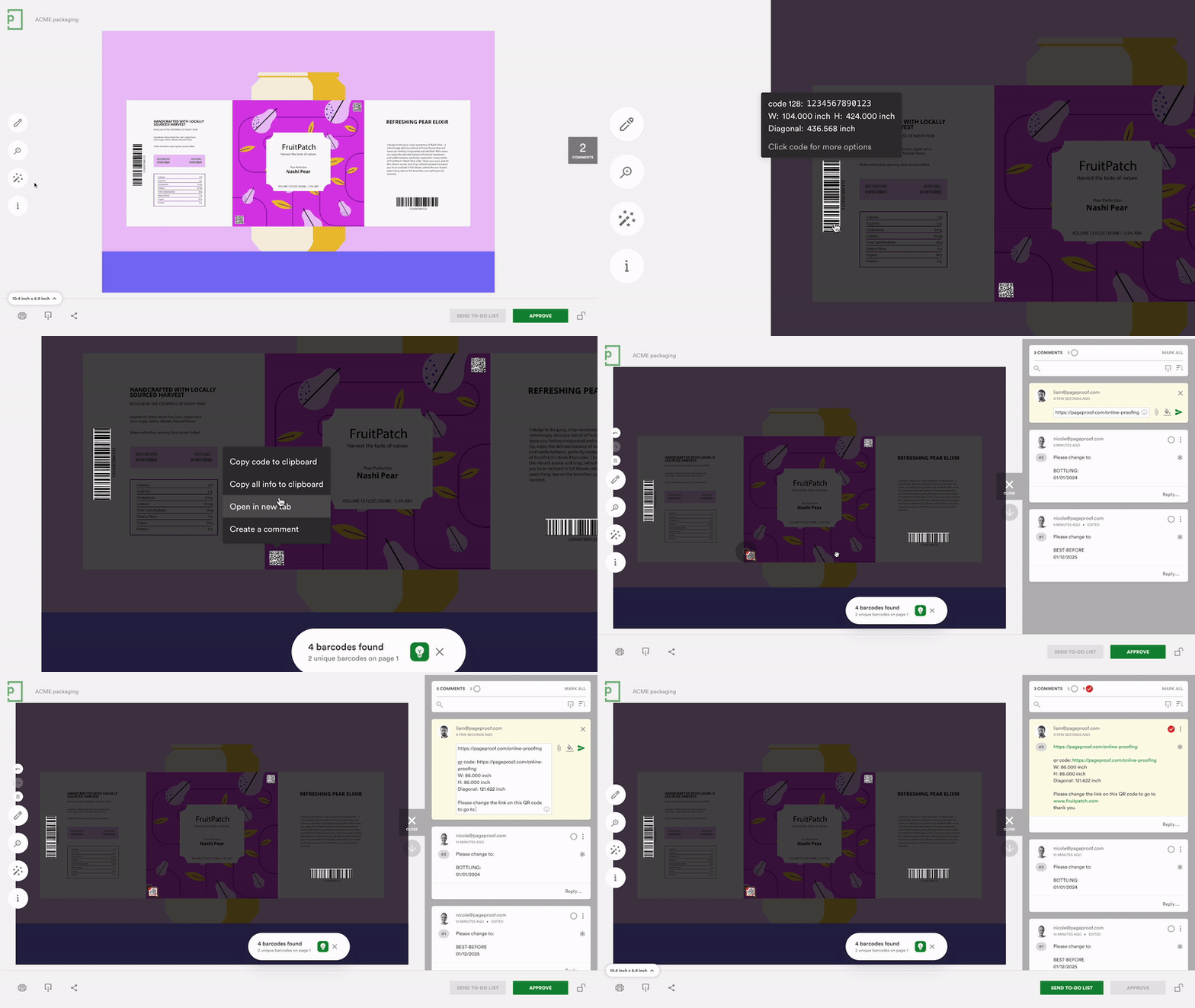
Viewing the details of a barcode using the barcode scanner in the PageProof app.
The barcode scanner supports a wide range of codes, including: Aztec, Codabar, Code 128, Code 39, Code 93, Data Matrix, EAN-8, EAN-13, ITF-14, PDF417, MicroPDF417, MSI Plessey, QR Code and Micro QR Code, UPC-E, and many others commonly used across packaging and product files.
What makes the scanner even more valuable is that it doesn’t just detect codes, it presents the information reviewers actually need. Every barcode or QR code is automatically highlighted on the artwork, and hovering reveals the code type, encoded value, and its exact dimensions.
This means reviewers can instantly confirm whether a barcode meets minimum size requirements, whether the value is correct, and whether QR codes resolve to the right destination.
Because codes are clearly identified and their details can be checked at a glance, reviewers can work with far greater confidence and efficiency.
The need to manually scan each code disappears, the risk of missing a barcode is significantly reduced, and teams can verify technical accuracy far earlier in the review process, long before a proof reaches print or distribution.
PageProof: Bringing clarity and consistency to the approval process
The review process shouldn’t be dominated by hunting for links, scanning QR codes, or double-checking barcodes. These tasks take time, interrupt the flow of feedback, and make it easy for important details to slip through.
PageProof surfaces all of these elements clearly, helping reviewers move through work faster and with far fewer errors.
It’s a shift that turns a slow, manual task into a simple, structured part of the review process and keeps high-stakes files accurate from the first draft to final approval.
