
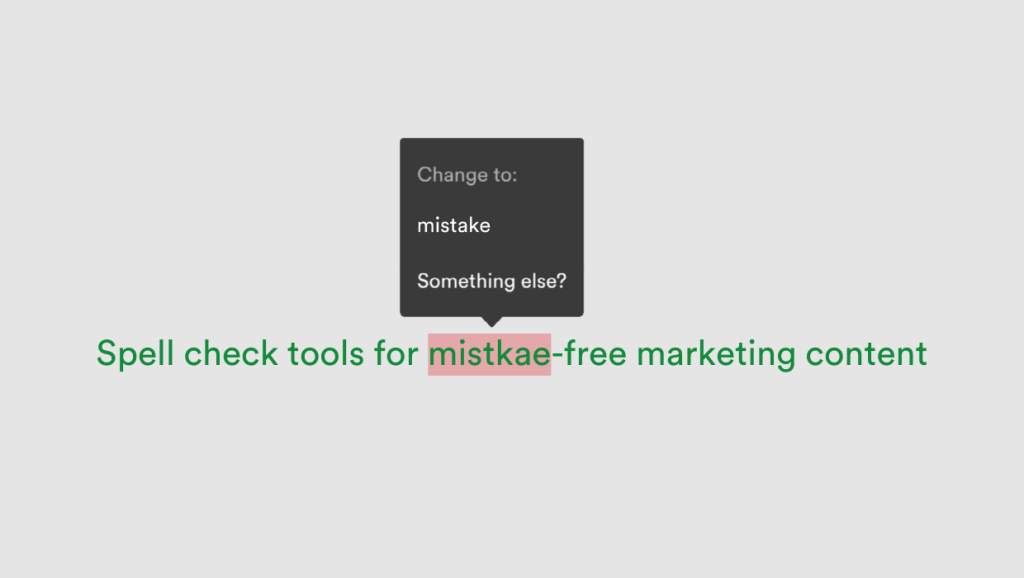
One typo can tank your latest marketing campaign’s credibility – and in fast-paced marketing teams, where speed is everything, even small mistakes can have big consequences. In fact, 97% of people say grammar mistakes influence their perceptions of companies and individuals.
Whether you’re crafting a landing page, a digital ad, or social content, mistake-free copy is mandatory. With tight deadlines and multiple collaborators, ensuring your copy is polished and professional is essential before final sign-off. That’s where spell-check tools come in.
Below, we explore five top-rated tools that help marketing, content, and design teams catch typos, maintain brand voice, and keep the creative workflow moving smoothly by integrating with your favorite tools.
Key takeaways
- Even minor spelling errors can damage brand credibility and reduce marketing effectiveness.
- Spell-check tools like Grammarly and Quilbot help ensure content accuracy, tone, and consistency.
- Tools with collaboration features, like PageProof, streamline creative approvals and reduce costly revisions.
1. Grammarly
Grammarly is one of the most widely used tools for real-time grammar, spelling, and tone correction.
It also offers generative AI capabilities to assist with writing and rephrasing content, plus plagiarism detection to ensure originality.
Key features:
- AI-powered grammar, spelling, and tone suggestions.
- Style recommendations to align with brand voice.
- Integrates with Google Docs, Microsoft Word, Slack, and more.
- Business plans with team style guides, as well as usage analytics.
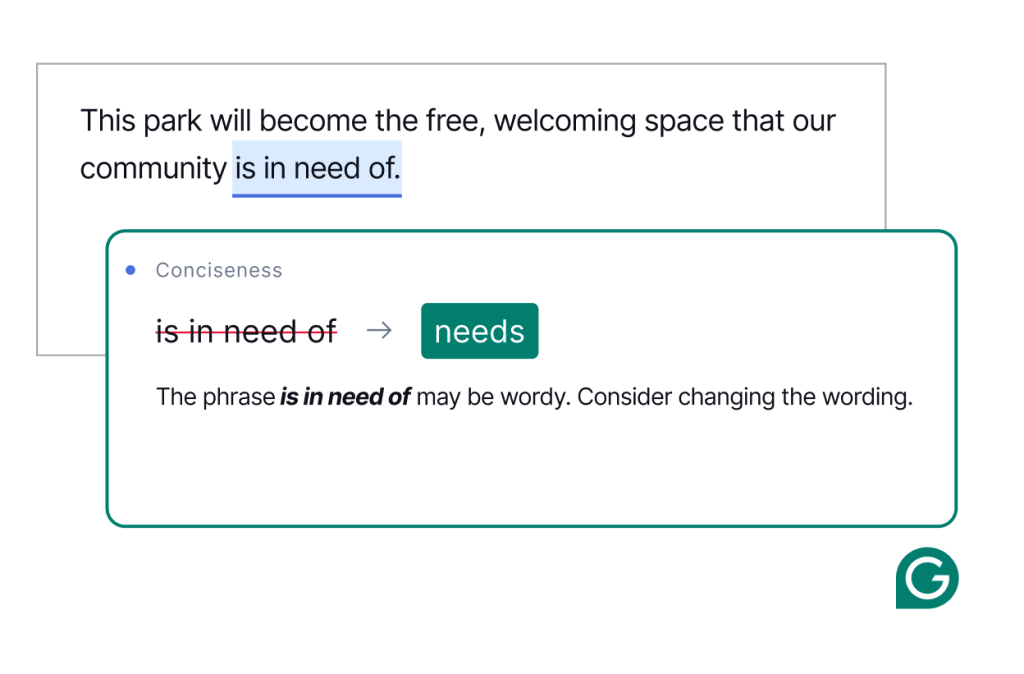
An example of Grammarly suggesting a tone correction.
Why it’s great:
Grammarly promotes consistency across all content types and makes editing more efficient, whether you’re writing blog posts, email campaigns, or ad copy. It’s also invaluable for ensuring copy is polished and accurate before it’s briefed into design – so designers can focus on adding their creative flair.
2. PageProof
PageProof is more than just a proofing tool. It’s a powerful online proofing platform built for marketing and creative teams to review and approve creative content, now with built-in spell check.
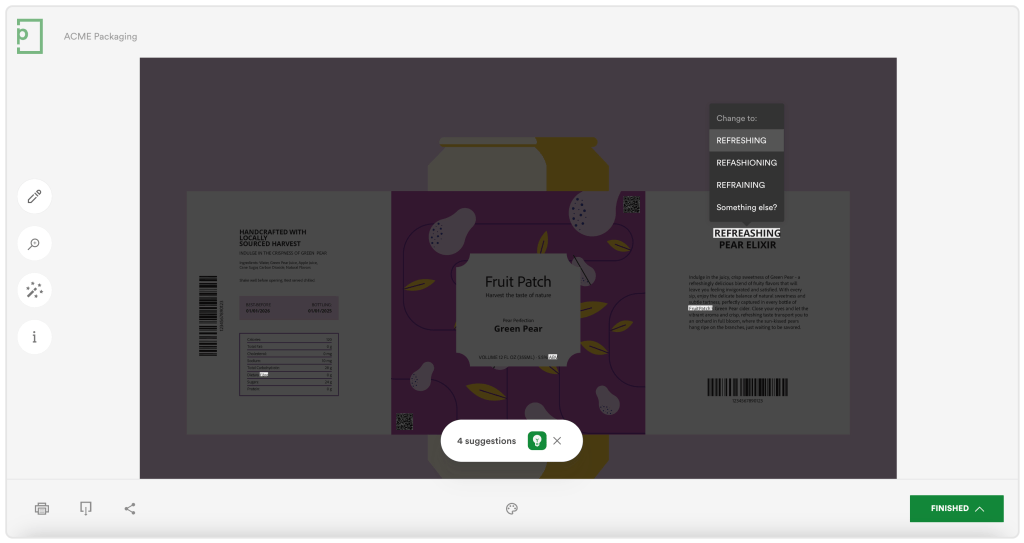
PageProof scans your PDFs and Microsoft Word documents, finding spelling errors automatically.
Key features:
- Integrated spell check for file types such as .pdf, .ai, .indd, doc, docx, .ppt, .pptx, for example.
- Specialized tools for reviewers such as gridlines, a ruler, eyedropper to verify colors and check color contrast, a barcode and QR code scanner, and more.
- Automated approval workflows with reminders – no more herding cats!
- Integrations with design tools: Adobe Creative Cloud, Microsoft, Figma, Canva, etc, as well as project management tools: Asana, Airtable, monday.com, Trello, ClickUp, and more.
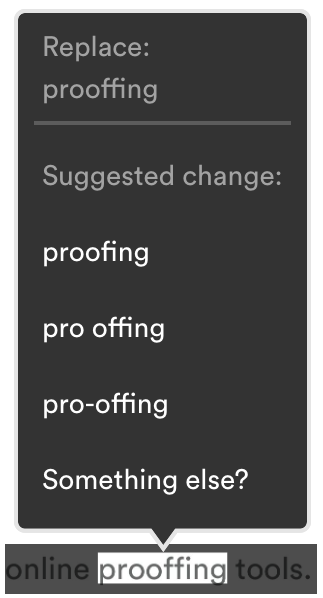
Choose between suggested changes or manually input the spelling change required.
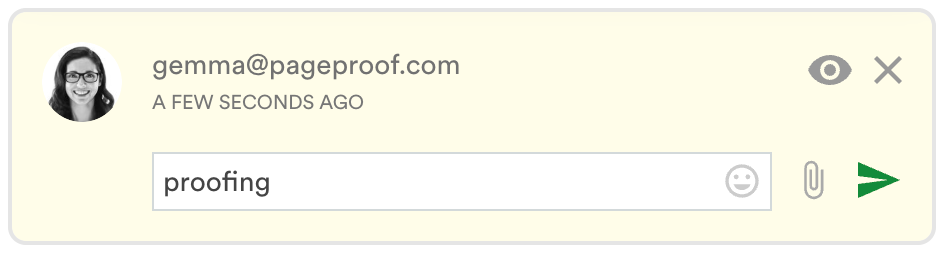
Spelling suggestions are created as a new comment on the proof.
Why it’s great:
PageProof brings everyone – marketers, designers, copywriters, and wider stakeholders – onto the same page.
The integrated spell check helps make it simple to catch typos before content goes live or to print, and it’s accessed directly within the proofing screen – no need to switch tools.
3. QuillBot
QuillBot is best known for its AI-powered paraphrasing, but it also includes tools for grammar checking, summarizing, citation generation, and even translation, making it a versatile companion for content creators.
Key features:
- Paraphraser with built-in grammar and spell check.
- Citation generator for blogs, eBooks, and academic content.
- Summarizer tool for quick content repurposing.
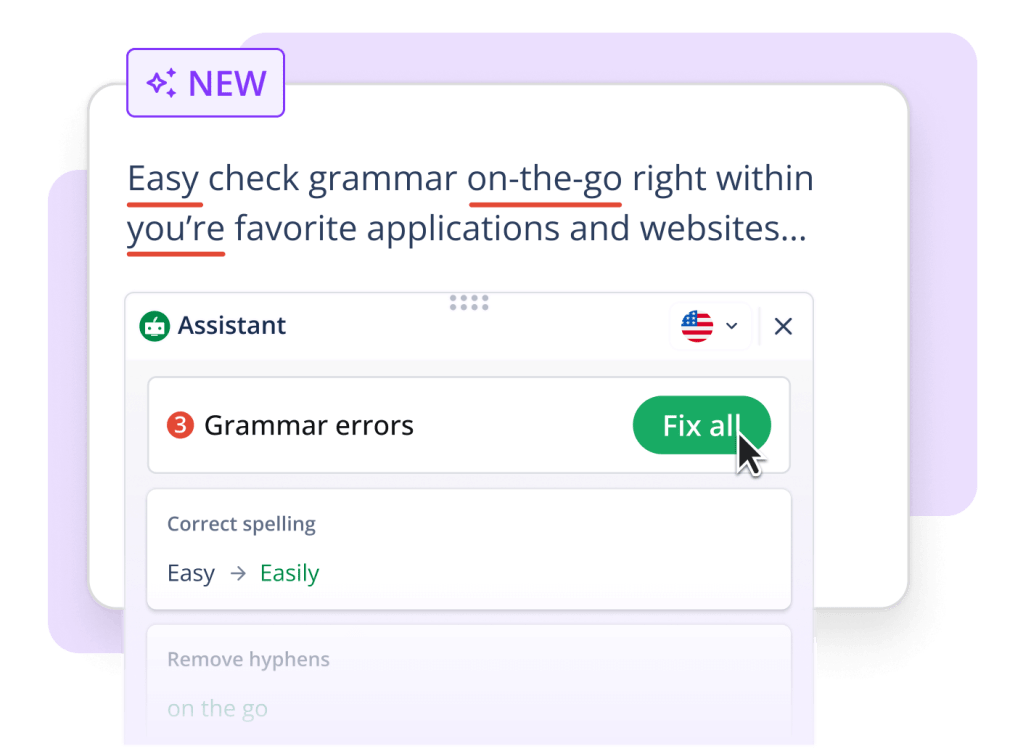
Quilbot’s interface makes it easy to identify spelling and grammar mistakes.
Why it’s great:
QuillBot helps rework content for different formats – such as turning a blog into social captions or ads – while preserving clarity and correctness.
4. ProWritingAid
ProWritingAid goes beyond basic spelling and grammar fixes to offer detailed style and readability suggestions – ideal for long-form content and campaigns that need to meet high editorial standards.
Key features:
- Grammar, spelling, and style checks.
- Visual reports to assess tone, structure, and clarity.
- Integrations with Google Docs, Microsoft Word, Chrome, and Scrivener.
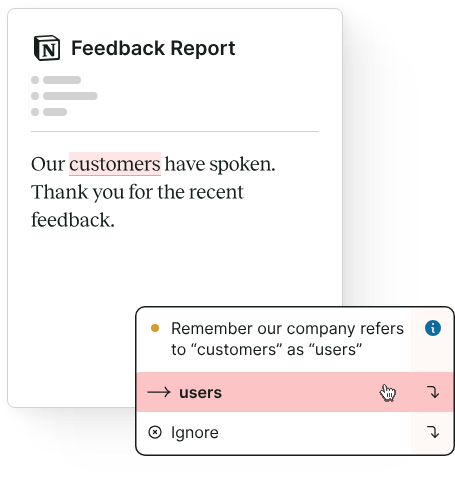
ProWritingAid’s spelling and style suggestions make brand consistency effortless.
Why it’s great:
Teams creating in-depth content like eBooks, whitepapers, and landing pages, where clarity and tone matter as much as correctness.
5. Hemingway App
Named after the famously concise writer, the Hemingway App focuses on clarity and readability.
It flags long or complex sentences, passive voice, and adverbs, helping you tighten up your writing.
Key features:
- Readability scoring and sentence complexity feedback.
- Highlights passive voice and overuse of adverbs.
- Browser-based with simple export options.
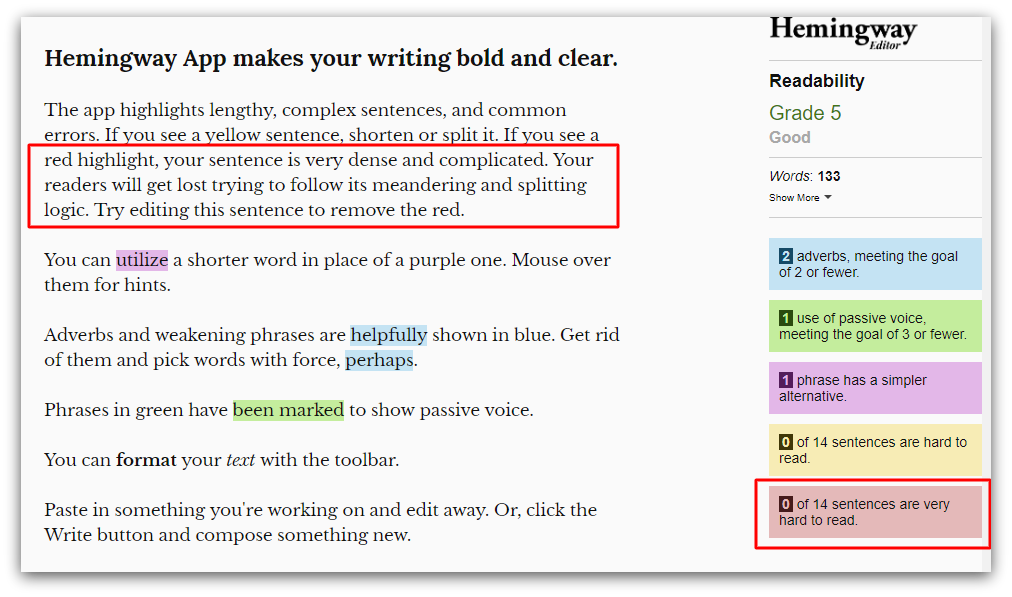
The Hemingway app makes writing easy with tone and spelling suggestions.
Why it’s great:
A great tool for editing marketing copy that needs to be clear, direct, and engaging – especially headlines, landing pages, and email copy.
Why spell check matters
In high-speed, high-stakes marketing environments, even small spelling or grammar errors can turn into big problems.
From damaging your brand’s credibility to increasing bounce rates and ad costs, unchecked mistakes hurt more than just the content – they affect performance and perception.
Typos and grammar slip-ups do more than just look unprofessional – they actively damage your marketing performance and brand overall.
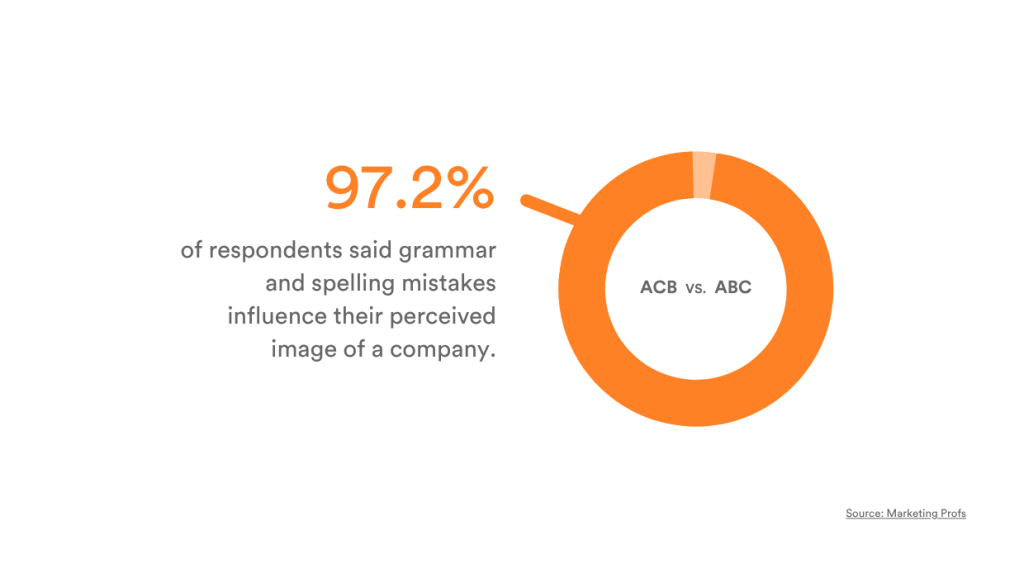
Source: How Grammar Mistakes Influence People’s Perceptions of Companies
The benefits of spell check tools
Whether you’re using built-in checkers or advanced third-party tools, automated spelling and grammar review software offers critical advantages:
- Accuracy: Instantly flag and correct typos before publishing.
- Efficiency: Save time by catching errors within your working document or CMS.
- Brand consistency: Ensure every piece of content aligns with your brand voice and quality standards.
- Collaborative review: Empower team members to highlight and resolve language issues in context.
- Cost and time savings: Cut down on revisions and rework cycles.
Where spell check tools add value
Some content types especially benefit from integrated spell checking due to their visibility, conversion potential, or speed of production:
- Blogs articles – Long-form SEO content where accuracy directly affects trust and rankings.
- Landing pages – Short, conversion-focused copy where a single typo can hinder performance
- PDFs and eBooks – Polished downloadable resources that reflect your brand.
- Social posts & emails – Formats where you must capture attention instantly, making polished, error-free copy critical.
Built-in spell check with PageProof
PageProof’s integrated spell check allows reviewers to flag errors as part of the proofing process, without switching between tools.

With keyboard shortcuts, U.S. English support, and real-time suggestions, your content stays polished from draft to delivery.
Note: Spell check is currently in beta, with more dictionaries and a personal dictionary feature coming soon.
Final thoughts
Whether you’re refining a headline, reviewing an ad, or publishing something for print, a reliable spell check tool is essential for quality control.
Choose one that fits your team’s workflow, supports collaboration, and integrates with your existing tools.
FAQs
How can I spell check a PDF, presentation, or document?
With PageProof, you can spell check PDFs directly within the platform without switching between tools. Its integrated spell check highlights errors, making it easy for teams to review and correct typos before final approval.
What are the best spell-check tools available?
Some of the best spell-check tools available online are Grammarly and QuillBot. Providing real-time spelling, grammar, and style suggestions across emails, documents, and web platforms.
For teams looking for a powerful proofing solution with built-in spell check, PageProof is the right choice, combining collaborative approval workflows with smart tools to ensure creative content is pixel-perfect.
References
